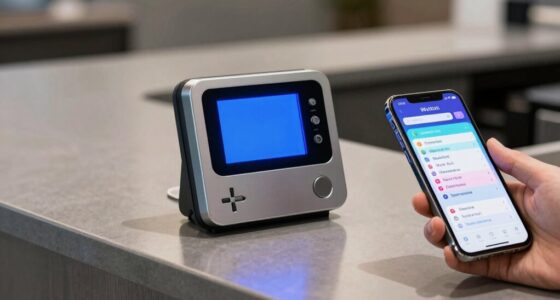

To boost orders with digital menu boards without confusing guests, focus on clear, attractive visuals that highlight popular and promotional items. Use bright images, animations, and concise descriptions to guide choices efficiently. Keep content updated in real-time to prevent frustration and upsell suggestions naturally. Balance eye-catching design with straightforward information, making it easy for customers to navigate and decide confidently. When you apply these content rules, you’ll create a seamless experience that encourages more orders—explore further to learn more tips.

Get kitchen staples and gadgets delivered free with Prime
- Fast, free delivery on millions of items
- Prime Video, Amazon Music and more included
- Member-only deals all year
Key Takeaways
- Use bright visuals and clear fonts to highlight popular and promotional items effectively.
- Keep content concise, focusing on essential details to prevent overwhelming guests.
- Update menus in real-time to reflect availability, specials, and seasonal offers.
- Incorporate engaging animations and suggested pairings to encourage upselling.
- Organize menu categories logically, guiding customers seamlessly without confusion.
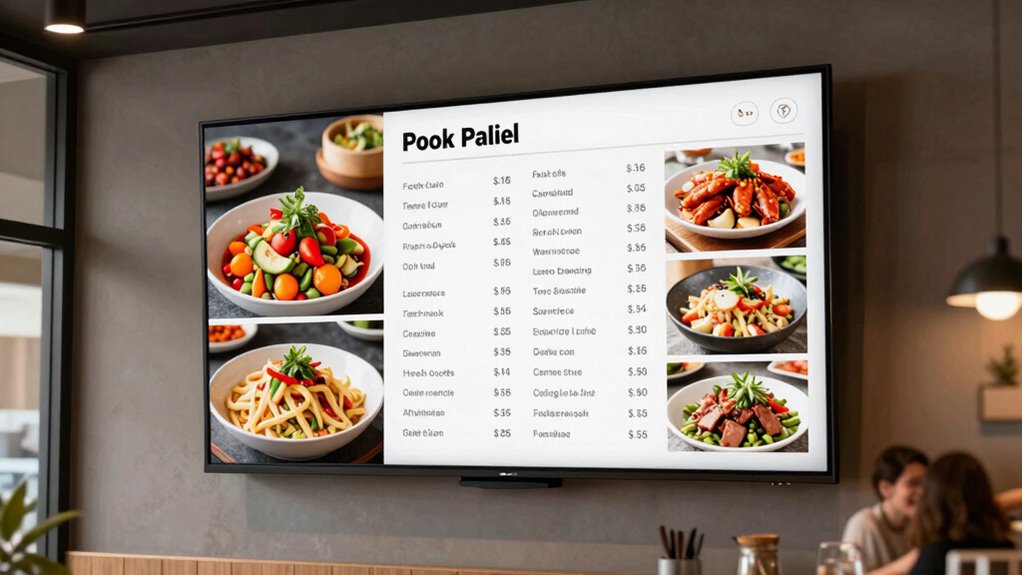
Digital menu boards are transforming the way restaurants and cafes showcase their offerings, making it easier for you to see options clearly and quickly. Instead of static paper menus or limited printed signs, you now have access to interactive displays that adapt to your needs. These screens can highlight popular items, daily specials, or new dishes, giving you a dynamic experience that captures your attention and simplifies decision-making. The power of dynamic content allows restaurants to keep menus fresh and relevant, updating images, prices, and descriptions instantly without the need for printing new boards. This flexibility guarantees that the menu stays accurate and engaging, reducing confusion and enhancing your overall visit.
Digital menu boards make ordering easier with dynamic, customizable displays that keep menus fresh and engaging.
Using interactive displays, restaurants can create a more engaging environment that encourages you to explore different options. Instead of flicking through paper menus or waiting for staff to explain each item, you can navigate digital menus directly on the screen. Touchscreens enable you to view detailed descriptions, nutritional information, and even images of each dish at your own pace. This interactivity not only streamlines your ordering process but also reduces the chances of misunderstandings or miscommunications. Plus, with dynamic content, menus can be personalized based on time of day, dietary preferences, or special events, making your experience more tailored and satisfying.
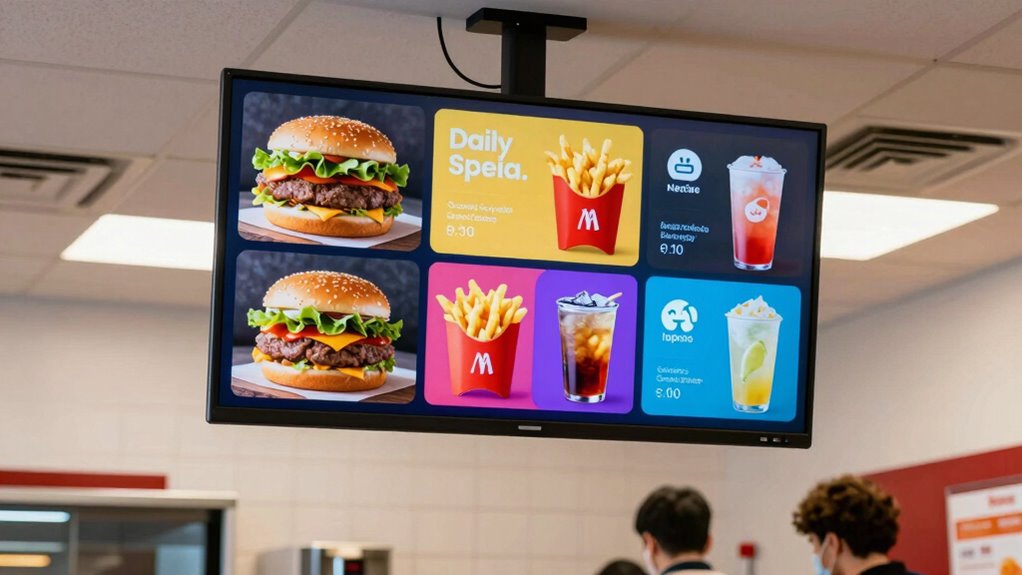
The way information is presented on digital menu boards plays a vital role in influencing your choices. Bright visuals, animated elements, and eye-catching fonts grab your attention and guide you toward specific dishes or promotions. Restaurants that leverage these features effectively can boost sales of targeted items without overwhelming or confusing you. For example, highlighting a dessert or drink special with a vibrant animation or a rotating banner draws your eye without cluttering the overall menu. The key is to balance appealing visuals with clear, concise information, ensuring you can quickly understand what’s available and make confident choices.
Furthermore, the use of dynamic content allows for easy updates, meaning that the menu can reflect current stock levels, seasonal ingredients, or limited-time offers. This real-time adaptability prevents frustration from ordering unavailable items and keeps you informed about the latest deals. Interactive displays can also incorporate upselling techniques subtly by suggesting complementary items or upgrades based on your selections. Additionally, high refresh rates ensure that content appears smoothly and responsively, enhancing the overall viewing experience for customers. All these features work together to create a seamless, engaging experience that helps you order more efficiently while feeling confident that you’re seeing the most accurate, appealing options. Ultimately, digital menu boards harness the power of dynamic content and interactivity to enhance your dining experience, making it more intuitive, enjoyable, and profitable for the restaurant.
As an affiliate, we earn on qualifying purchases.
Frequently Asked Questions
How Often Should Digital Menu Content Be Updated?
You should update your digital menu content regularly, ideally every 2 to 4 weeks, to keep it fresh and engaging. A consistent content refresh helps showcase new items, promote specials, and adapt to seasonal changes, which can boost sales. Keep an eye on customer feedback and sales data to determine the most suitable update frequency. Regular updates ensure your menu remains relevant, enticing, and easy for guests to navigate.
What Are the Best Practices for Menu Design?
You should prioritize brand consistency and visual hierarchy in your menu design. Use clear fonts, consistent colors, and logos to reinforce your brand identity. Organize items logically, highlighting popular or high-margin dishes to guide guests’ choices. Keep it uncluttered with balanced spacing, and guarantee key items stand out visually. This approach makes your menu easy to read, engaging, and effective in boosting orders without confusing guests.
How Can Digital Menus Accommodate Dietary Restrictions?
You know what they say, “forewarned is forearmed.” To accommodate dietary restrictions, guarantee your digital menus clearly display allergy information and vegan options. Use icons or color codes to make these options stand out. Regularly update the menu to reflect ingredient changes and add filters or search functions for easy navigation. This approach keeps guests informed, prevents confusion, and boosts trust and satisfaction on your digital menu boards.
What Hardware Is Required for Digital Menu Boards?
You need a hardware setup that includes a digital display, such as an LED or LCD screen, connected to a media player or mini PC. Make certain your system supports reliable connectivity and easy content management. A stable internet connection helps with remote updates. Choose hardware compatible with your content management system to streamline updates and maintain engaging, clear menus. This setup ensures your digital menu boards are effective and easy to manage.
How Do Digital Menu Boards Impact Customer Wait Times?
You might think digital menu boards slow down service, but they actually reduce customer wait times by streamlining ordering and payment processes. With seamless technology integration, orders become more accurate and faster to fulfill, boosting customer satisfaction. Plus, clear visuals help guests quickly decide, minimizing delays. So, rather than delaying service, digital menu boards enhance the overall experience, making wait times feel shorter and more efficient.
Conclusion
By following these content rules, your digital menu boards become your secret weapon, turning hesitant guests into confident buyers. When your menus are clear, engaging, and easy to navigate, you’re not just serving food—you’re serving an experience that guides customers effortlessly through their choices. Think of your digital boards as the compass that points guests straight to their cravings. Master these rules, and watch your orders soar like a kite catching a steady breeze.
NFL season / tailgating Picks
team gear
As an affiliate, we earn on qualifying purchases.