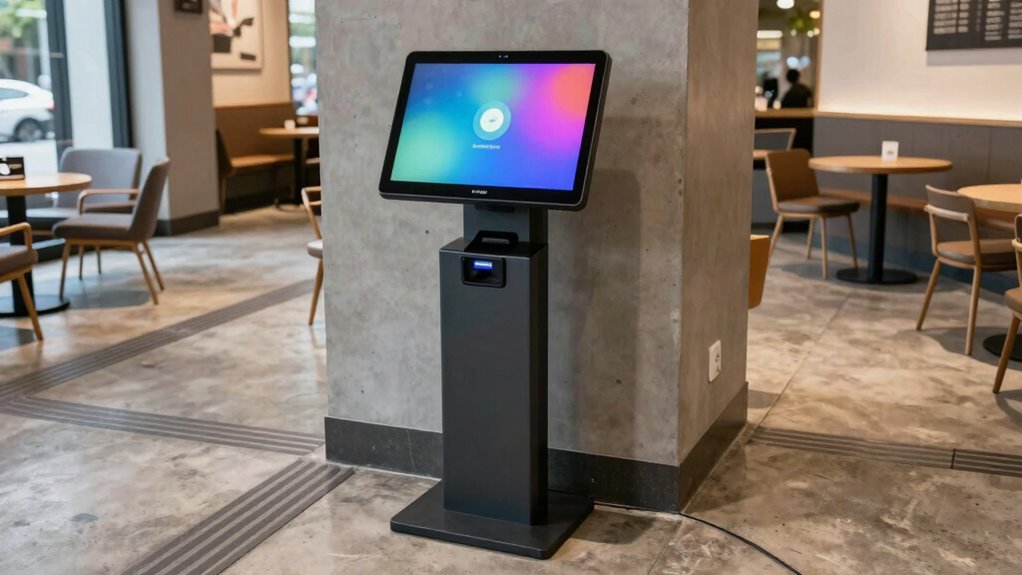

To improve flow and avoid ADA issues, place your self‑order kiosks where customers can approach without blocking walkways or creating bottlenecks. Position them at accessible heights, ensuring enough clear space around for wheelchair users and diverse abilities. Avoid tight corners and obstructed paths, and situate kiosks near ordering or payment areas for efficiency. Thoughtful placement supports seamless operation and inclusivity—learn more about creating an optimized, accessible environment for all customers.
Key Takeaways
- Position kiosks at accessible heights and clear spaces to accommodate all users, including wheelchair users.
- Place kiosks near ordering and payment areas to streamline customer flow and reduce congestion.
- Ensure sufficient space between kiosks to prevent interference and facilitate smooth movement.
- Avoid tight corners and obstructed pathways to maintain accessibility and prevent navigation issues.
- Use visual cues, high contrast, and responsive interfaces to enhance usability for diverse customer needs.
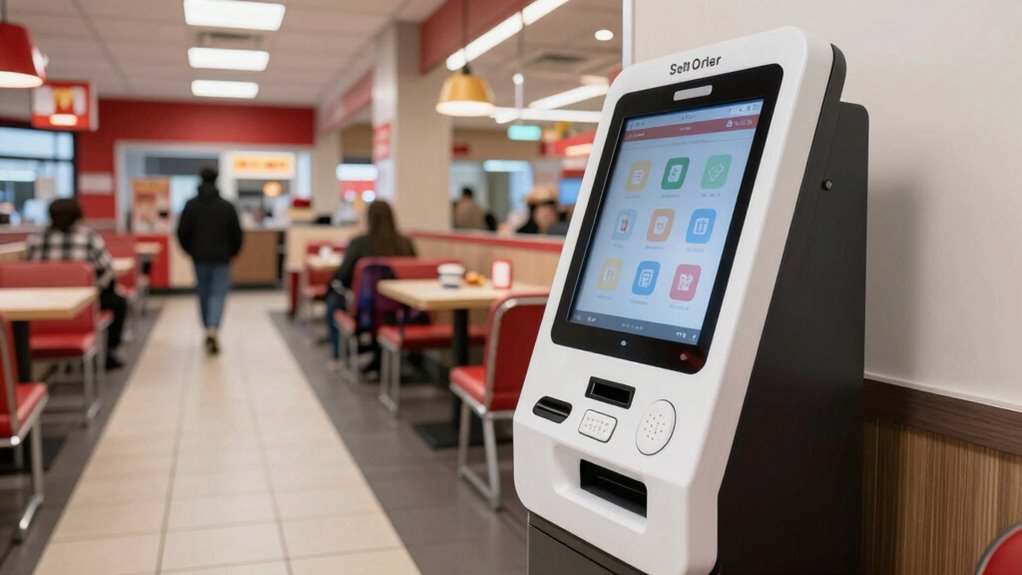
Self‑order kiosks have transformed the way you experience dining by enabling you to place orders quickly and accurately without waiting for a server. As a user, you benefit from a streamlined process that minimizes errors and reduces wait times. But behind this convenience lies important considerations for placement and design that ensure everyone can use the kiosks comfortably and efficiently. Proper placement rules are essential to improve flow and prevent issues related to accessibility compliance and user interface design.
Proper kiosk placement ensures accessibility, smooth flow, and an inclusive dining experience for all users.
When selecting a location for your kiosk, think about how accessible it is to all customers, including those with disabilities. ADA compliance isn’t just about meeting legal standards — it’s about creating an inclusive environment where everyone can order independently. You should position kiosks at heights that accommodate wheelchair users and ensure enough clear space around them so mobility devices can move freely. Avoid tight corners or obstructed pathways that could make navigation difficult. Instead, opt for open, easily navigable areas that encourage smooth flow, preventing congestion during busy hours.
The user interface design of the kiosk plays a critical role in accessibility. A well-designed interface should be intuitive, with clear, simple instructions and large, readable text. Incorporate visual cues and high-contrast colors to aid visibility, especially for users with visual impairments. Touchscreens should be responsive and easy to operate, with options for alternative input methods like voice commands or external assistive devices. When placing kiosks, consider the physical interaction — the height, tilt, and reachability of the screen matter. You want to make sure it’s comfortable for users of different heights and abilities, avoiding setups that require awkward stretching or bending. Additionally, understanding how public spaces are designed for accessibility can inform better kiosk placement to serve diverse customer needs.
Furthermore, your placement should facilitate a natural flow of traffic. Position kiosks where customers can easily approach without blocking walkways or creating bottlenecks. You should also consider proximity to ordering counters, payment stations, or pickup areas. This minimizes movement, speeds up service, and prevents crowding. Providing enough space between kiosks helps avoid confusion and allows multiple users to operate them simultaneously without interference.
In short, the placement of your self-order kiosks isn’t just about convenience — it’s about ensuring equitable access and seamless operation for everyone. By prioritizing accessibility compliance in placement and optimizing user interface design, you create an environment where all customers can enjoy the benefits of self-service technology. When done right, your kiosks will not only improve operational flow but also demonstrate a commitment to inclusivity, making the dining experience better for everyone.
Frequently Asked Questions
How Do Kiosks Impact Customer Wait Times?
Kiosks greatly reduce your wait time by improving customer flow. When strategically placed, they streamline ordering processes, allowing you to skip lines and place orders quickly. This not only speeds up your experience but also helps manage busy periods more efficiently. By decreasing congestion at traditional counters, kiosks guarantee faster service, making your visit smoother and more enjoyable while minimizing overall wait times for everyone.
What Are Cost Considerations for Kiosk Installation?
When considering kiosk installation, you should perform a thorough cost analysis to understand expenses involved. Installation expenses include hardware costs, such as kiosks and mounting equipment, as well as software setup and integration with existing systems. Don’t forget to factor in ongoing maintenance and potential upgrades. Planning your budget carefully helps you maximize investment, ensuring the kiosks enhance customer experience without exceeding your financial limits.
How to Train Staff for Kiosk Operation?
Think of staff training like tuning a musical instrument—you want harmony. You should start with clear operational procedures and hands-on practice, so staff become confident with kiosks. Use real scenarios to teach troubleshooting, and reinforce with quick reference guides. Remember, consistent training boosts efficiency and customer satisfaction, just like a well-conducted orchestra. Regular refreshers ensure everyone stays in tune and operates kiosks smoothly.
Are There Data Privacy Concerns With Kiosks?
Yes, there are data privacy concerns with kiosks. You should guarantee data encryption to protect customer information during transactions and use user authentication methods to verify user identities. Regularly update security protocols and train staff on privacy practices. By implementing these measures, you help prevent unauthorized access and safeguard sensitive data, creating a secure environment that builds customer trust and complies with privacy regulations.
How Do Kiosks Influence Overall Customer Satisfaction?
Kiosks substantially boost your overall customer satisfaction by enhancing digital engagement and streamlining the ordering process. When positioned thoughtfully, they improve accessibility for all customers, including those with disabilities, creating a more inclusive experience. By reducing wait times and offering intuitive interfaces, kiosks make your visit more convenient and enjoyable, encouraging repeat business. Overall, they help you feel valued and satisfied, knowing the service adapts to your needs seamlessly.
Conclusion
So, next time you’re tempted to ignore placement rules for your kiosks, remember: chaos might just be your new customer flow. Proper positioning isn’t just about avoiding ADA issues—it’s about making sure your customers actually get served before they decide to ghost you. Follow these simple rules, or risk turning your sleek new kiosks into fancy paperweights. Because, honestly, who needs efficient service when you can have a confusing maze of machines?