
Experiencing the Burn error on your Instant Pot can be frustrating, especially when you’re in the middle of preparing a meal. This error usually indicates a problem with the heating element, pressure build-up, or food stuck to the bottom. Fortunately, most issues can be resolved with a few simple troubleshooting steps to get your pressure cooker back in working order.

Get kitchen staples and gadgets delivered free with Prime
- Fast, free delivery on millions of items
- Prime Video, Amazon Music and more included
- Member-only deals all year
In this guide, we’ll walk you through practical, safe, and effective methods to fix a Burn error on your Instant Pot 4QT RIO Mini 7-in-1 Multi-Cooker. Whether it’s a simple cleaning issue or a more complex problem, these steps will help you identify and resolve the cause efficiently.
Key Takeaways
| Check for Food Residue | Food stuck to the bottom can trigger Burn error. |
| Ensure Proper Liquid Levels | Insufficient liquid prevents pressure build-up and causes error. |
| Inspect the Sealing Ring | Damaged or misplaced sealing ring can lead to pressure issues. |
| Avoid Overfilling | Filling beyond the max line blocks steam and causes burning. |
| Clean the Bottom of the Inner Pot | Burnt or stuck food on the base can trigger the error. |
Step 1: Turn Off and Unplug the Instant Pot
Before troubleshooting, ensure the device is turned off and disconnected from the power outlet. Wait for it to cool completely to avoid burns or injuries.
Step 2: Release Pressure and Open the Lid
- Carefully release the steam pressure by turning the pressure release valve to venting.
- Once all pressure has escaped, open the lid and check the contents.
Step 3: Remove and Clean the Inner Pot
- Remove the inner pot and inspect the bottom for food residue or burnt spots.
- Wash the inner pot thoroughly with warm, soapy water and dry completely.
Step 4: Check and Replace the Sealing Ring if Needed
Inspect the sealing ring for cracks, deformation, or residue. If damaged, replace it with a genuine Instant Pot sealing ring for 5 & 6-quart models.
Step 5: Ensure Proper Liquid and Filling Levels
- Add enough liquid to meet the minimum requirement (usually at least 1 cup).
- Do not overfill; stay within the max fill line indicated inside the inner pot.
Step 6: Reassemble and Test
Reassemble the device, making sure the sealing ring is properly seated. Close the lid securely and select a short cooking cycle to test if the Burn error persists.
The Products in This Guide

Instant Pot 4QT RIO Mini 7-in-1 Multi-Cooker
- ✔ Weight: 9.3 lbs
- ✔ Dimensions: 11.5 x 11.5 x 11 inches
- ✔ Warranty: 1 year

AOZITA Steamer Basket
- ✔ Capacity: Two tiers
- ✔ Color: Silver
- ✔ Weight: 1.2 lbs
Instant Pot 4QT RIO Mini 7-in-1 Multi-Cooker
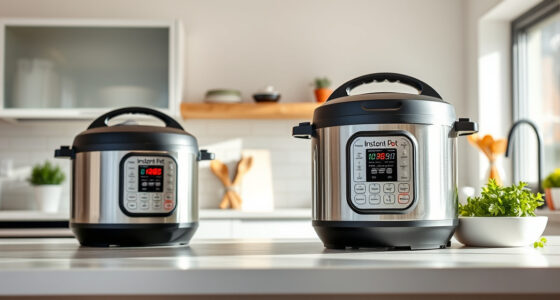
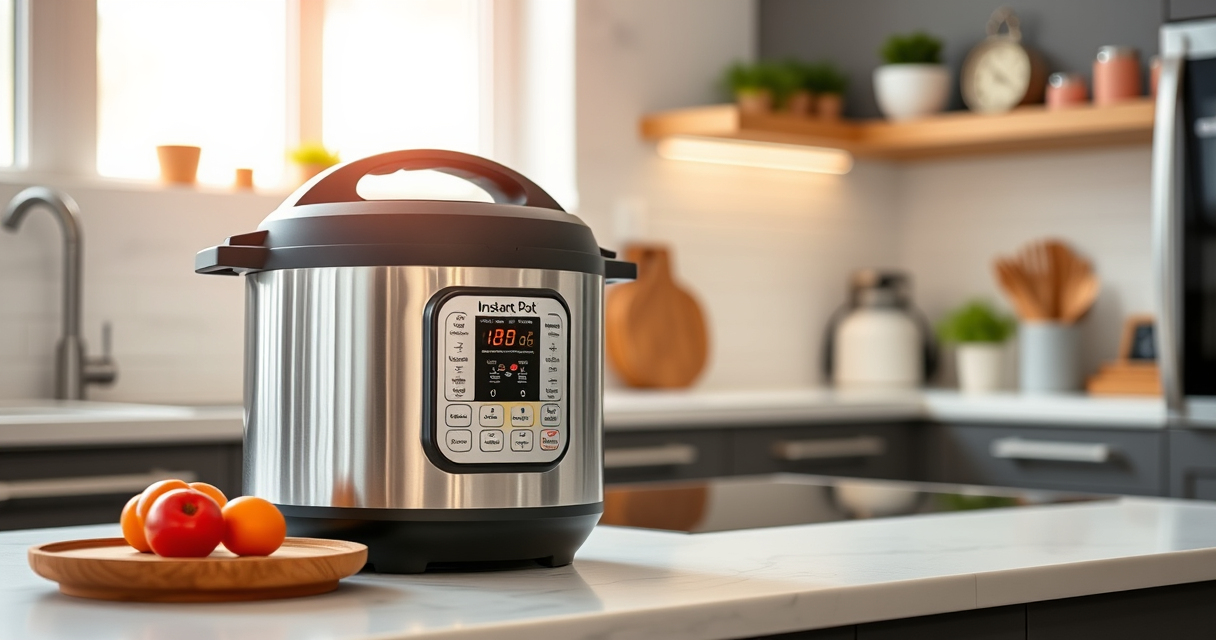
The Instant Pot 4QT RIO Mini 7-in-1 Multi-Cooker offers versatile cooking options in a compact size, perfect for small households and easy to store. Its anti-spin design helps keep the pot steady during sautéing and stirring, making it a practical choice for troubleshooting issues like the Burn error.
Pros:
- Seven versatile functions
- Compact and space-saving
- Easy to clean
- Modern design
Cons:
- Limited 4-quart capacity
- May require replacement parts over time
Best for: Small families, singles, students needing a multifunctional cooker
Not ideal for: Large families or for cooking large meals
Bottom line: A versatile, space-saving multi-cooker ideal for small households.
AOZITA Steamer Basket
The AOZITA Steamer Basket adds functional value to your Instant Pot, allowing you to steam multiple foods simultaneously while keeping them separated, which can prevent food from burning and triggering errors.
Pros:
- Two-tier design
- Stainless steel mesh
- Dishwasher safe
- Versatile use
Cons:
- Requires extra space in the pot
- May need careful handling
Best for: Steaming vegetables, seafood, and multi-layer cooking
Not ideal for: For those who prefer single-level steaming
Bottom line: A practical accessory to improve your multi-level steaming capacity.
Frequently Asked Questions
What causes the Burn error on my Instant Pot?
The Burn error typically occurs due to food residue, insufficient liquid, overfilling, or a damaged sealing ring that prevents proper pressure build-up.
Can I fix the Burn error without contacting support?
Yes, most causes like cleaning, replacing the sealing ring, or adjusting liquid levels can be fixed at home following proper safety procedures.
How often should I replace my sealing ring?
It’s recommended to inspect the sealing ring regularly and replace it if you notice cracks, deformation, or persistent odors, typically every 12-18 months.
Is it safe to continue cooking after fixing the Burn error?
Yes, once you’ve addressed the underlying issue, ensure the device is properly reassembled, and test it with a short cycle to confirm the problem is resolved.
Mastering Your Instant Pot: Troubleshooting the Burn Error
With a few simple steps like cleaning the inner pot, checking the sealing ring, and ensuring proper liquid levels, you can resolve the Burn error and get back to cooking delicious meals efficiently. Regular maintenance and careful use help prevent future errors, making your Instant Pot a reliable kitchen companion for years to come.
Affiliate disclosure: As an Amazon Associate we earn from qualifying purchases. Prices and availability are accurate as of the time of publishing.
NFL season / tailgating Picks
team gear
As an affiliate, we earn on qualifying purchases.