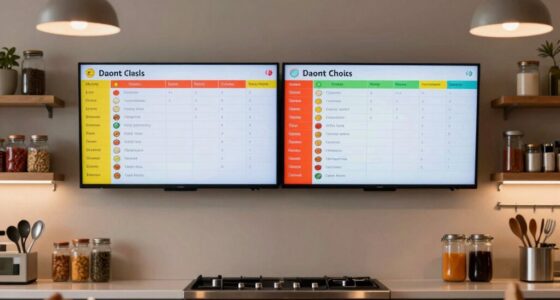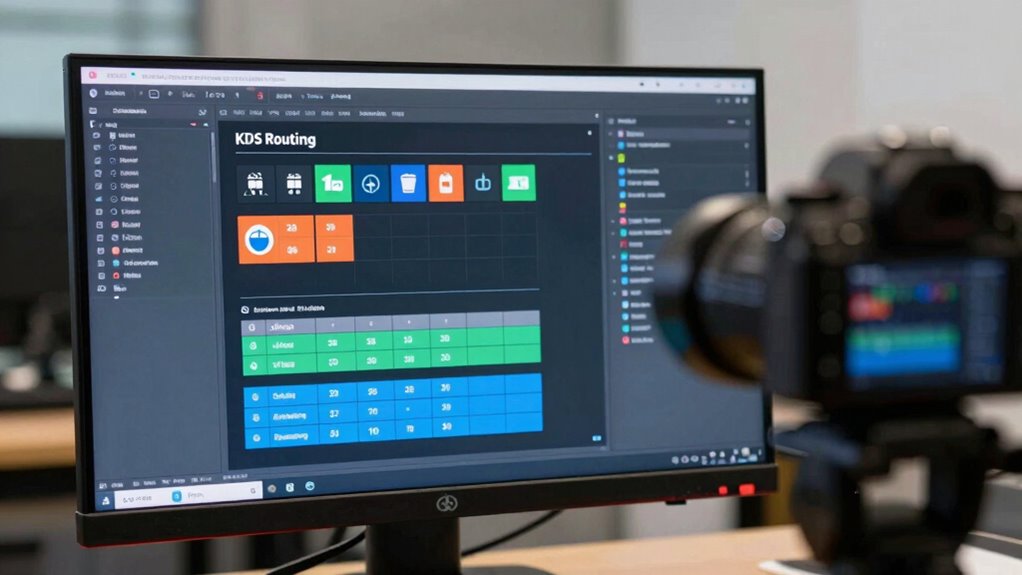

Setting up effective KDS routing rules helps prevent the “it never printed” issues by directing orders accurately to each station. You should assign specific screens to relevant kitchen sections, ensuring only necessary tickets appear where needed. Regularly reviewing and adjusting these rules makes your workflow smoother, especially during busy times. Proper setup minimizes errors and delays, keeping orders on track. If you want to maximize efficiency, there’s more to discover about refining your KDS routing.
Key Takeaways
- Properly map each station to specific KDS screens to ensure orders are routed accurately and visible at the correct location.
- Create clear routing rules based on order criteria such as station, ticket type, or menu sections to prevent misdelivery.
- Regularly review and update routing configurations to adapt to kitchen layout changes and prevent print errors.
- Use filters and conditions in routing rules to direct only relevant orders to each station, reducing clutter and printing issues.
- Implement troubleshooting protocols to quickly identify and resolve routing conflicts causing “it never printed” problems.
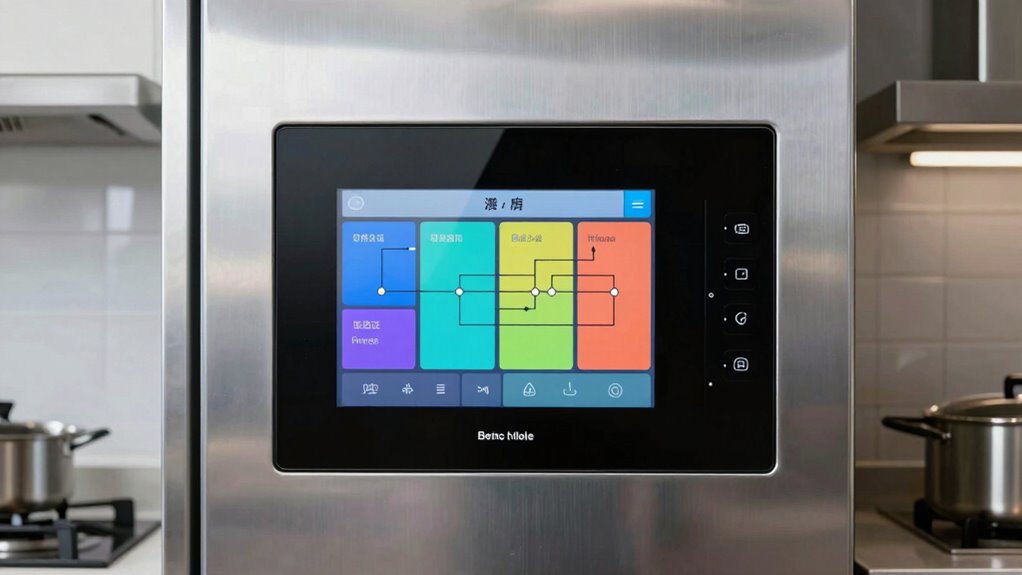
Have you ever wondered how KDS routing rules streamline your kitchen operations? It all starts with understanding how effective routing configuration can transform the way your kitchen handles orders. KDS routing is the backbone of a smooth, efficient workflow, ensuring that each ticket reaches the right station without delay or confusion. Proper routing setup prevents miscommunications, reduces errors, and keeps your service running seamlessly. When you configure your KDS routing accurately, you’re creating a system that automatically directs orders to specific screens based on dish type, preparation area, or station. This eliminates the need for manual intervention or guesswork, saving precious time during busy hours.
The key to a successful setup lies in your routing configuration. You want to guarantee your rules are clear, logical, and adaptable. Think about how your kitchen is structured—do you have separate stations for salads, grill, fry, and desserts? Your routing should reflect this layout. For example, the routing rules can specify that salads are sent to the salad station’s screen, while fried items go directly to the fry station. This way, each station only receives relevant orders, reducing clutter and confusion. When your routing is correctly configured, your team can focus on preparing food rather than sorting through incoming tickets. It also minimizes the risk of incorrect orders reaching customers, which can lead to dissatisfaction and complaints.
Implementing a robust routing configuration also helps in troubleshooting. If something isn’t printing or reaching the correct station, you can quickly review your rules to identify any missteps or conflicts. This proactive approach minimizes downtime and keeps your kitchen running smoothly. Additionally, you can customize routing rules to accommodate special circumstances—like rush hours or specific menu items—making your operations more flexible and responsive. When you master kds routing, you’re essentially creating a digital map that guides each order precisely where it needs to go, streamlining communication between the front and back of the house. Incorporating smart automation into your routing setup can further enhance efficiency by adapting to changing conditions in real-time.
Ultimately, a well-planned routing configuration isn’t just about preventing print issues—it’s about building an organized, efficient kitchen environment. By paying close attention to your routing rules, you eliminate the chaos of “it never printed” arguments and ensure every order is handled swiftly and accurately. This leads to faster service, happier customers, and a more relaxed, productive kitchen staff. When your KDS routing is functioning flawlessly, it becomes an invisible but essential part of your restaurant’s success, making every shift smoother and more manageable.

Cryfokt Stainless Steel Thermal Printer Shelf, with Pre Drilled Holes for Wall Mounting, Cable Routing Hole, Fits POS KDS Systems, for Restaurant Retail Office
- Durable Stainless Steel Construction: Resistant to water, rust, and wear
- Multiple Mounting Options: Pre-drilled holes for wall, shelf, or countertop
- Compact Space-Saving Design: Measures 10.24×6.5×1.1 inches, supports up to 10 lbs
As an affiliate, we earn on qualifying purchases.
As an affiliate, we earn on qualifying purchases.
Frequently Asked Questions
How Do KDS Routing Rules Integrate With Existing POS Systems?
You can integrate KDS routing rules with your existing POS systems through seamless system integration, ensuring order accuracy. This setup allows your KDS to communicate directly with your POS, automatically routing orders and reducing errors. By aligning routing rules with your POS workflows, you streamline order processing, improve accuracy, and enhance overall efficiency, making sure every order is correctly displayed and fulfilled without manual intervention.
Can Routing Rules Be Customized for Different Restaurant Locations?
You can absolutely customize routing rules for each restaurant location, creating a vivid map where orders flow seamlessly like a river. With location-specific customization, you direct different kitchens and stations based on their unique needs. Multi-restaurant routing allows you to tailor the system, ensuring each site operates smoothly without confusion. This flexibility helps you optimize efficiency, reduce errors, and keep every location running like a well-oiled machine, no matter how diverse your restaurant group is.
What Training Is Required for Staff to Manage Routing Rules Effectively?
You need to provide staff training focused on rule management to guarantee they handle routing rules effectively. Teach them how to access, modify, and troubleshoot rules within the system, emphasizing the importance of accuracy and consistency. Hands-on practice helps staff become confident in managing routing rules, preventing issues like missed or delayed orders. Regular refresher sessions also keep everyone updated on system changes and best practices.
How Are Routing Rules Affected During System Updates or Downtime?
During system updates or downtime, routing rules can be temporarily disrupted, affecting order flow. Did you know that 65% of restaurants experience delays due to routing rule issues during updates? You should double-check your routing rules after system updates to make certain they’re correctly configured. During downtime, some rules may reset or become inactive, so testing and reapplying rules are essential to prevent printing errors and maintain smooth operations.
Are There Best Practices for Troubleshooting Routing Rule Issues?
When troubleshooting routing rule issues, you should start with routing rule optimization by reviewing your current setup for errors or conflicts. Use troubleshooting techniques like checking logs, verifying rule conditions, and testing changes in a controlled environment. Make certain your rules are clear and concise, and document any adjustments. Regularly update your knowledge on best practices to prevent future issues and keep your system running smoothly.
Conclusion
So, next time you think your KDS routing rules are foolproof, remember the irony—they’re designed to prevent printing mishaps, yet often cause the very “it never printed” debates you dread. It’s almost poetic how a system meant to simplify can complicate, leaving you frustrated and questioning if technology really has your back. Maybe the real lesson is that no setup is perfect, and sometimes, the best solution is just a little human patience.