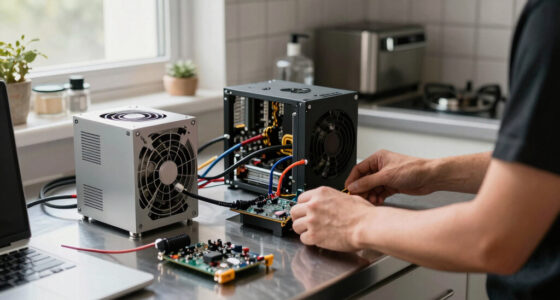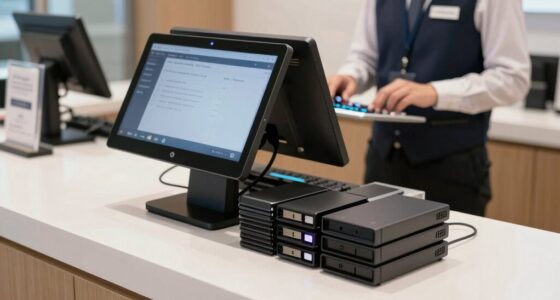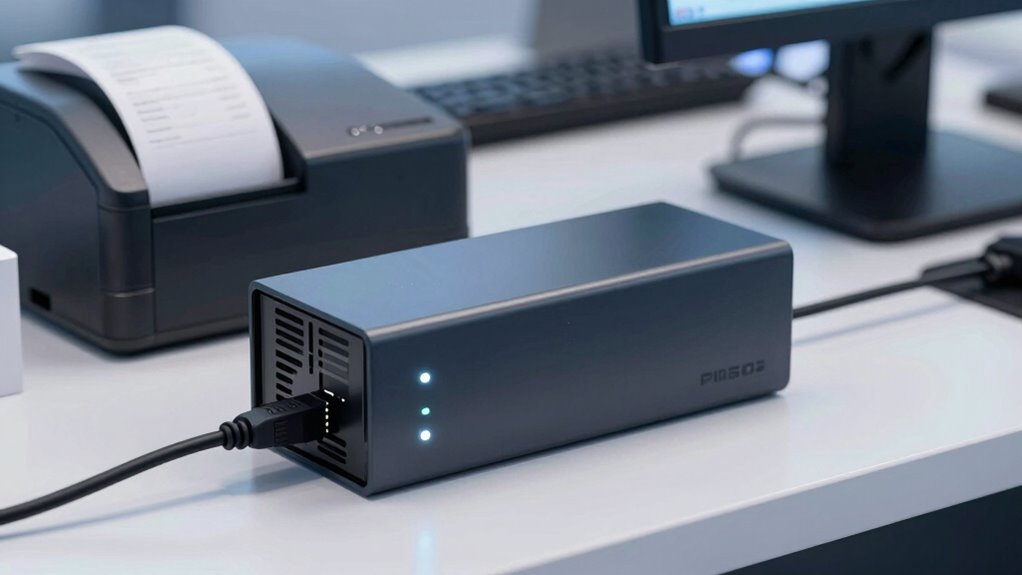

Choosing the wrong UPS size for your POS system can cause it to shut down unexpectedly during power outages, risking data loss and sales downtime. If your UPS is undersized, it won’t support your entire setup, leading to crashes or hardware damage. Oversized units cost more but offer extra protection and longevity. Getting the right size is vital for reliability, and if you want to avoid costly mistakes, there’s more to consider below.

Get kitchen staples and gadgets delivered free with Prime
- Fast, free delivery on millions of items
- Prime Video, Amazon Music and more included
- Member-only deals all year
Key Takeaways
- An undersized UPS can’t support POS systems during outages, causing unexpected shutdowns and transaction failures.
- Proper sizing considers peak load and future expansion to ensure continuous POS operation during power disruptions.
- Incorrect UPS capacity may not handle voltage surges, risking hardware damage and data loss.
- Oversized units provide extra buffer but are more costly; sizing should balance protection with budget.
- Matching UPS capacity to system demands prevents POS downtime and maintains customer service during outages.

A UPS battery backup is an essential device that protects your electronic equipment from power outages and voltage fluctuations. Without it, your critical systems are vulnerable to sudden shutdowns that can lead to data loss, hardware damage, and costly server downtime. When a power surge hits, it can cause immediate harm to your equipment, frying circuits and corrupting files. A quality UPS not only provides backup power during outages but also acts as a buffer against harmful voltage spikes, giving you precious moments to save your work and shut down safely.
Many people underestimate the importance of choosing the right size UPS. It might seem convenient to go for a smaller model, thinking it saves money and space, but that’s a mistake that can leave your POS system vulnerable. If your UPS is undersized, it won’t support your entire system during a blackout, leading to unexpected shutdowns. These abrupt stops can corrupt databases, cause server downtime, and force you to spend hours or even days troubleshooting issues that could have been avoided. A small UPS might keep your POS running just long enough to finish a transaction, but if it runs out of power before you complete your process, your sale gets interrupted, and your customer experience suffers.
Choosing the right size UPS prevents shutdowns, data loss, and customer frustration. Oversized or undersized units both pose risks.
Power surges are particularly dangerous because they can strike unexpectedly, often during thunderstorms or when utility companies perform maintenance. When a surge occurs, it can instantly overload your equipment, causing permanent damage or reducing its lifespan. Proper sizing of your UPS includes considering the maximum surge current your devices might encounter. If your UPS isn’t rated to handle these spikes, it won’t offer adequate protection, and your equipment could be left exposed. Always select a UPS with a surge protection rating that exceeds the maximum expected power spike.
Choosing the right size isn’t just about the wattage rating; it’s about understanding your entire system’s power needs. Overloading a UPS can cause it to fail prematurely or shut down unpredictably. Conversely, overspending on a massive UPS when a smaller one would suffice is unnecessary and inefficient. Assess your equipment’s total power draw, including any future expansion plans. This way, you ensure your UPS can handle peak loads, manage power surges, and keep your POS system operational during unexpected outages.
In the end, size matters when it comes to UPS battery backups. A mismatched or undersized UPS can lead to server downtime, lost sales, and damaged equipment. Investing in the right size ensures your system remains protected, your business stays operational, and you avoid costly disruptions. Remember, it’s better to have a UPS that’s slightly oversized than one that’s barely able to support your current needs. Proper sizing is the key to peace of mind and reliable operation. Additionally, understanding your system’s power requirements and surge capacity can help you select the most suitable backup solution.
UPS battery backup for POS systems
As an affiliate, we earn on qualifying purchases.
As an affiliate, we earn on qualifying purchases.
Frequently Asked Questions
How Do I Determine the Right UPS Size for My POS System?
To determine the right UPS size for your POS system, you need to perform a load calculation by listing all connected devices and their power consumption. Then, check each device’s battery capacity requirements to make certain the UPS can support the total load for your desired backup time. Choosing a UPS with sufficient capacity prevents system shutdowns during power outages and ensures reliable operation.
Can a UPS Protect Against Power Surges and Outages Simultaneously?
Yes, a UPS can shield against power surges and outages simultaneously. It provides surge protection, preventing voltage spikes from damaging your POS system, and guarantees power stability during outages by switching to battery backup instantly. Look for a UPS with integrated surge protection features and enough capacity to handle your device’s power needs. This way, you safeguard your POS from both sudden surges and unexpected power loss.
What Maintenance Is Required to Keep a UPS Functioning Properly?
Imagine your UPS as a crucial guardian, standing watch over your system. To keep it effective, you need to regularly check the battery lifespan and replace batteries before they fail. Keep the unit cool, as overheating hampers performance. Dust and debris can clog vents, so clean them gently. By maintaining proper cooling and timely battery replacements, you guarantee your UPS stays ready to protect your POS when you need it most.
How Long Should a Typical POS UPS Backup Last During a Power Outage?
A typical POS UPS backup lasts between 15 to 30 minutes during a power outage, allowing you to complete transactions and shut down safely. To guarantee peak performance, monitor the battery lifespan regularly and replace batteries before they fail. Good surge protection is essential to prevent damage from power spikes, which can shorten your UPS’s lifespan and compromise your POS system’s reliability. Keep maintenance up-to-date for consistent backup performance.
Are There Any Signs Indicating My UPS Needs Replacement or Upgrade?
If your UPS shows warning indicator lights or if battery degradation has caused reduced runtime, it’s time to consider a replacement or upgrade. You might notice longer charging times, decreased backup duration, or erratic performance. Regularly check the indicator lights and perform battery tests; if they signal issues, upgrading guarantees your POS remains protected during outages. Don’t ignore these signs—they’re key to maintaining reliable power support.
Conclusion
Remember, choosing the right UPS size is like fitting a key to a lock—you need precision, or everything else falls apart. I once saw a friend rely on a tiny backup during a power surge, only for their system to crash just when they needed it most. Don’t let size be your overlooked detail; otherwise, your efforts are like a lighthouse with a flickering bulb—meaningless in the storm. Get it right, and stay powered up when it counts.
Halloween Picks
halloween
As an affiliate, we earn on qualifying purchases.