
Before clicking buy on a POS hardware bundle, check that it’s compatible with your existing systems and operating systems like Windows, iOS, or Android. Make certain the hardware is durable, reliable, and supports future upgrades to grow your business. Confirm it includes all essential components, offers good value, and is easy to set up. Paying attention to these details can prevent costly issues down the line—keep exploring for more expert tips proven to help you choose wisely.
Key Takeaways
- Verify hardware compatibility with your existing POS software and peripherals to prevent integration issues.
- Assess if the bundle meets your current transaction volume, product types, and mobile sales needs.
- Ensure devices are durable, reliable, and come with warranties to minimize downtime and support costs.
- Check that the bundle allows for future expansion and upgrades to accommodate business growth.
- Confirm the bundle includes all necessary components for quick setup and offers cost savings over individual purchases.
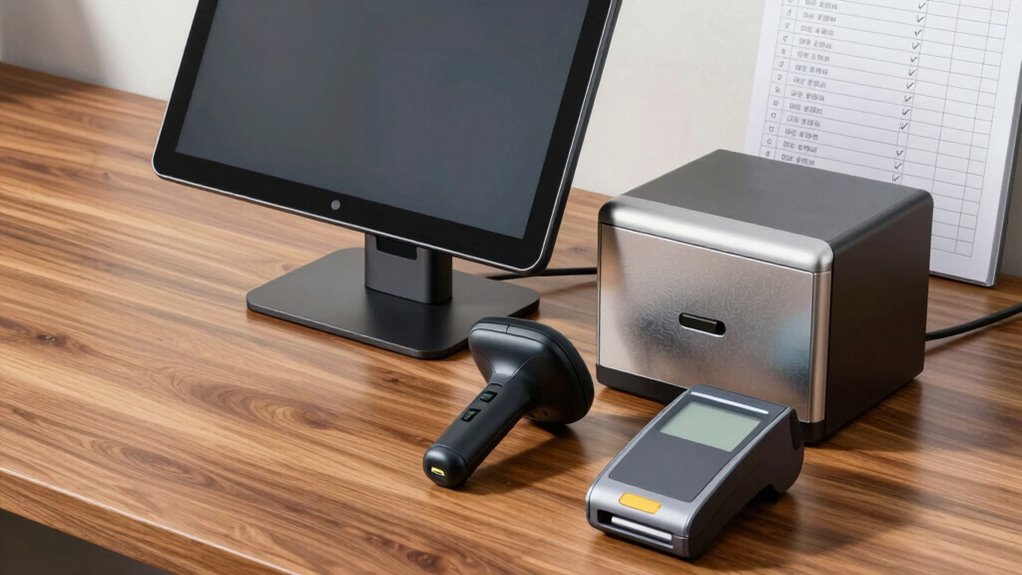
If you’re looking to streamline your business operations, POS hardware bundles offer a convenient and cost-effective solution. These bundles combine essential retail technology components into a single package, making setup simpler and often saving you money compared to purchasing items separately. But before you click buy, there’s a crucial checklist you need to run through to ensure you’re making the right choice for your business.
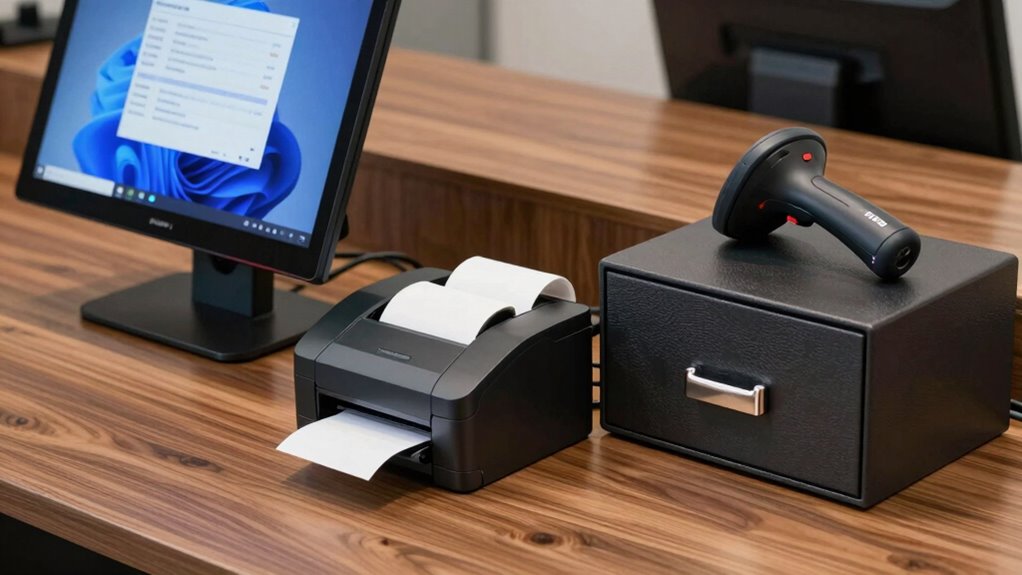
First, focus on hardware compatibility. Not all POS devices are created equal, and compatibility issues can lead to headaches down the line. Make sure the hardware included in the bundle seamlessly integrates with your existing systems or the POS software you plan to use. Check the specifications carefully—look for compatibility with your operating system, whether it’s Windows, iOS, or Android. If you’re using specific peripherals like barcode scanners, printers, or cash drawers, confirm that the bundle’s hardware supports these devices or can easily connect to them without additional adapters or drivers. Guaranteeing compatibility upfront prevents costly replacements or technical frustrations later.
Ensure POS hardware compatibility to prevent costly issues and seamless system integration.
Next, consider your retail technology needs. Think about your transaction volume, the type of products you sell, and your customer engagement methods. For example, if you run a busy retail store, a robust POS system with fast processing speeds and reliable hardware is essential. If your business involves mobile sales, look for bundles that include portable or wireless options. The right retail technology should enhance your efficiency, not hinder it. Evaluate what features are critical—such as touchscreen capabilities, integrated payment processing, or inventory management—and verify they’re included or compatible with the hardware in the bundle.
Another vital aspect is the quality and durability of the hardware. Since POS equipment gets daily use, you want devices built to last. Read reviews and product specifications to gauge quality, and consider warranties or support options offered by the manufacturer. This guarantees your investment remains protected and minimizes downtime if repairs are needed.
Additionally, understanding the water resistance and durability features of the hardware can be crucial for environments prone to spills or outdoor settings, ensuring longevity and consistent performance.
Finally, think about future scalability. As your business grows, your POS system should adapt with you. Choose a bundle that offers expandability—additional terminals, upgraded peripherals, or software integration—so you won’t be forced to overhaul your entire system later. Compatibility and flexibility are key to creating a sustainable retail technology setup.
Frequently Asked Questions
How Do I Determine the Best Hardware Bundle for My Business Size?
To determine the best hardware bundle for your business size, assess your current needs and future growth plans. Focus on hardware compatibility to guarantee seamless integration with your existing systems. Consider your business scalability—will the bundle support expansion? Larger businesses might need more robust options, while smaller ones can opt for simpler setups. Choose a bundle that balances affordability with the capacity to grow, avoiding costly upgrades later.
Are There Compatibility Issues Between Different POS Hardware Brands?
Did you know over 60% of retailers face issues with hardware interoperability? Compatibility problems between different POS hardware brands can cause delays and extra costs. To avoid this, check for brand compatibility and make sure the hardware you choose supports seamless integration. Carefully review product specifications and ask vendors about interoperability. Staying informed helps you prevent potential hiccups and ensures your POS system runs smoothly, regardless of brand differences.
What Is the Typical Warranty Coverage for POS Hardware Bundles?
You’ll typically find that POS hardware bundles come with a warranty duration of one to three years, depending on the brand and components. The coverage usually includes repairs or replacements for manufacturing defects, but watch out for coverage limitations like accidental damage or misuse. Always read the warranty details carefully, so you understand what’s covered and what isn’t, ensuring you’re protected after your purchase.
Can I Upgrade Individual Components Later if Needed?
Yes, you can upgrade individual components later if needed, thanks to the component flexibility built into most POS hardware bundles. Many systems offer upgrade options, allowing you to enhance parts like the scanner, printer, or tablet as your business grows. Just make certain the bundle you choose supports these upgrades, so you won’t be restricted later on. This way, you stay adaptable without replacing your entire setup.
How Do I Compare Prices Across Different Vendors for POS Bundles?
Like comparing apples to oranges in a marketplace, you should start with online price comparison tools to evaluate vendor options. Look for reviews, warranty policies, and included features to make certain you’re choosing the best value. Don’t forget to take into account vendor selection—reliable, responsive support makes all the difference. By doing your homework, you’ll find the right POS bundle at a fair price, saving you money and headaches down the line.
Conclusion
Now that you’ve checked off this checklist, you’re practically unstoppable. Skipping these steps could turn your flawless POS setup into a disaster of epic proportions—think lost sales, frustrated customers, and chaos that’ll make your head spin! So, don’t hit that buy button just yet. Follow this guide, double-check everything, and prepare to conquer your business world with a POS bundle so perfect, it’s practically legendary. Your future self will thank you!