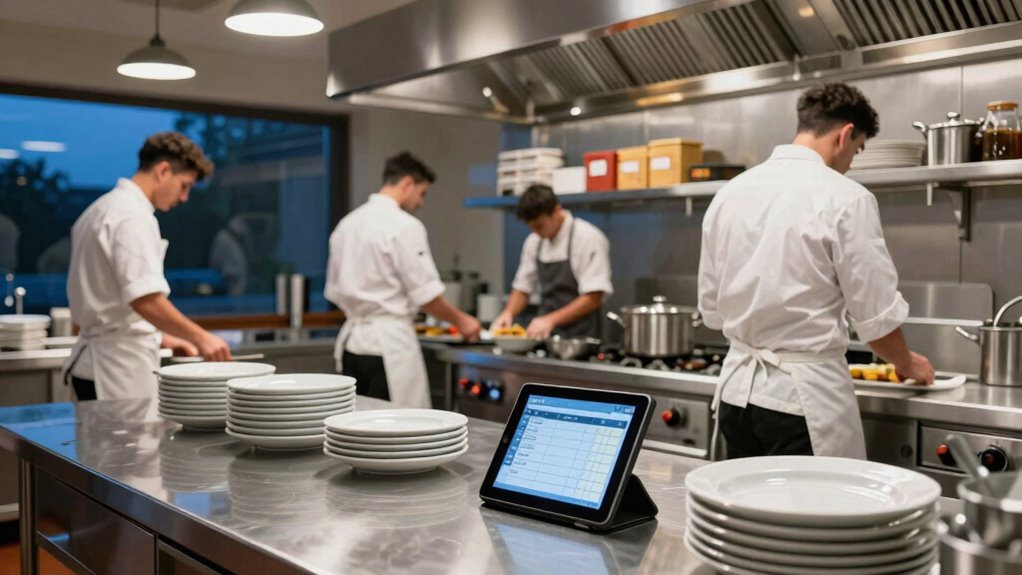

To build a smarter restaurant closing walkthrough, start by creating a detailed checklist that covers cleaning, security, and inventory tasks. Use technology like inventory management software to automate data entry and detect discrepancies quickly. Train your staff regularly to guarantee procedures are followed consistently. Analyze inventory data to refine your routines and address issues proactively. By integrating these steps, you can streamline operations, improve accuracy, and maintain high standards—and there’s more to optimize your process even further.

Get kitchen staples and gadgets delivered free with Prime
- Fast, free delivery on millions of items
- Prime Video, Amazon Music and more included
- Member-only deals all year
Key Takeaways
- Incorporate technology such as inventory management software for real-time tracking and automated reporting.
- Assign specific team members to different closing tasks to ensure accountability and thoroughness.
- Develop a standardized checklist covering cleanliness, security, inventory, and equipment shutdowns.
- Regularly review inventory data to identify discrepancies and optimize future closing procedures.
- Provide ongoing staff training on procedures and technology to maintain consistent, efficient closing routines.
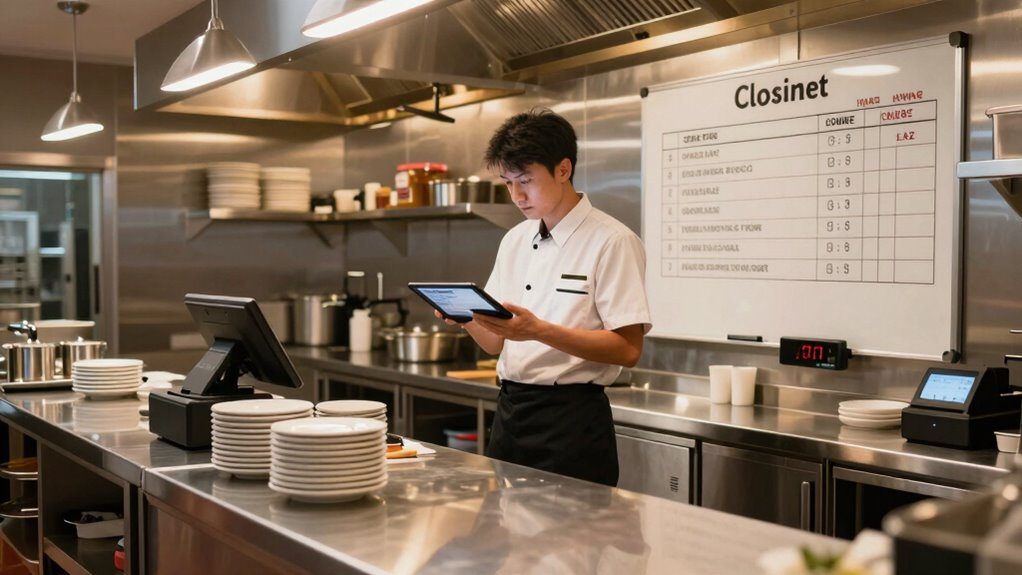
Closing a restaurant efficiently is essential for maintaining cleanliness, security, and operational readiness for the next day. A well-structured closing walkthrough ensures nothing gets overlooked and that your team leaves the space in top shape. To build a smarter closing routine, start by focusing on inventory management. Before your staff begins their shift, establish clear protocols for tracking inventory levels during closing. This means assigning specific team members to count and record stock in each area—perishables, dry goods, beverages—and update your inventory system accordingly. Doing so helps prevent overstocking or shortages, reduces waste, and provides accurate data for future ordering. Integrating technology like inventory management software can streamline this process, making it faster and more precise. When staff are trained on these tools and procedures, they become more confident and consistent with their closing duties. Implementing technology-driven solutions can further enhance accuracy and efficiency in your closing procedures. Additionally, understanding inventory accuracy and how it impacts overall operations can motivate staff to adhere strictly to these protocols. Regularly reviewing inventory data ensures ongoing improvements in your closing routine and inventory control. Incorporating automated reporting tools can also assist in identifying discrepancies quickly and maintaining high levels of inventory accuracy. Moreover, continuous staff training on these tools helps sustain a high standard of closing procedures over time.
restaurant inventory management software
As an affiliate, we earn on qualifying purchases.
As an affiliate, we earn on qualifying purchases.
Frequently Asked Questions
How Long Should a Closing Walkthrough Typically Take?
A closing walkthrough should typically take about 15 to 20 minutes. During this time, you’ll review inventory management, guaranteeing all supplies are accounted for, and check that staff scheduling is up to date for the next day. This process helps identify any discrepancies, maintains cleanliness, and prepares your team for a smooth opening tomorrow. Keep it concise but thorough to maximize efficiency and ensure nothing gets overlooked.
Who Should Be Responsible for Each Closing Task?
You should assign closing tasks based on staff roles to guarantee effective staff coordination and task delegation. For example, in a case study, the manager handles financial reconciliation, while servers clean tables and restock supplies. Clearly defining responsibilities reduces confusion and speeds up closing. You’re responsible for creating a detailed checklist, assigning tasks to specific team members, and making sure everyone understands their duties to make the process smooth and efficient.
What Technology Tools Can Streamline Closing Procedures?
You can streamline closing procedures by leveraging technology tools like inventory management software and staff coordination apps. Inventory management tools help you quickly track stock levels, identify discrepancies, and generate reports, saving time and reducing errors. Staff coordination apps facilitate seamless communication, task assignments, and real-time updates, ensuring everyone knows their responsibilities. Together, these tools make your closing process more efficient, accurate, and less stressful for your team.
How Do We Handle Unexpected Issues During Closing?
When unexpected issues arise during closing, you must act swiftly—your restaurant’s reputation depends on it. Follow clear emergency protocols and communicate quickly with your staff to assess and resolve the problem efficiently. Keep everyone informed through reliable communication channels, like walkie-talkies or apps, ensuring coordinated action. Staying calm and organized is key, turning potential chaos into a manageable situation and protecting your team and guests.
How Often Should the Closing Checklist Be Updated?
You should update your closing checklist regularly, ideally every few months, to reflect changes in inventory management and staffing. Frequent updates guarantee staff training stays current, reducing mistakes and improving efficiency. When you keep the checklist aligned with your restaurant’s evolving needs, everyone knows their responsibilities, inventories stay accurate, and closing procedures run smoothly. Regular reviews also help identify new issues early, keeping your closing process smart and consistent.
Conclusion
By implementing these tips, your restaurant closing walkthrough will become so efficient that even a supercomputer would be jealous. You’ll breeze through tasks faster than a rocket, catching every detail with eagle-eyed precision. Say goodbye to chaos and hello to a closing routine so smooth, it could win awards! Get ready to transform your closing process into a legendary, almost magical, nightly event—leaving you more time to relax or plan your next big culinary masterpiece.
Halloween Picks
halloween
As an affiliate, we earn on qualifying purchases.